QR, barcode & warning label printing in Penang
Information labels for products, equipment and operations, planned around final code data, printed size, contrast, quiet space, wording, surface, exposure and real-device testing.

Information labels for products, equipment and workflow
These labels do more than decorate. They help people scan, identify, warn, instruct and track. Artwork must remain clear at the actual printed size and on the real surface.
QR Code Labels
QR labels for product pages, menus, registration, instructions, campaigns and internal workflow.
- Link and data verification
- Quiet-space planning
- Final-size scan testing
Barcode Labels
High-contrast barcode stickers for products, cartons, stock, retail and internal identification.
- Code type confirmed
- Readable bar width
- Scanner testing required
Serial & Asset Labels
Numbered labels for tools, equipment, devices, cases and company asset tracking.
- Sequential numbering
- Static or variable data
- Sheet or roll format
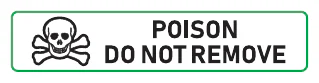
Warning & Caution Labels
High-visibility labels for hazards, restricted actions, handling and operational reminders.
- Clear visual hierarchy
- Symbol and wording space
- Material exposure reviewed
Instruction & Maintenance Labels
Compact information labels for operating steps, service intervals and equipment guidance.
- Readable small text
- Durable surface route
- Diagram-ready layouts
Inventory & Dispatch Labels
Identification labels for bins, parts, cartons, kits, shelves and dispatch operations.
- Product or location IDs
- Barcode or QR integration
- Multiple data versions
Reliable labels start with the real scanning and handling conditions
Code format, printed size, contrast, quiet space, surface curve and viewing distance all affect usability. Warning and instruction labels also need a clear information hierarchy so the important message can be understood quickly.
Correct data and format
Provide the final QR code, barcode or encoded data and confirm the system that will read it.
Protect scan clarity
Keep enough printed size, contrast and clear space around the code for the intended scanner and distance.
Match the application
Review metal, plastic, cardboard, curves, moisture, handling, heat and outdoor exposure before choosing stock.
Static or variable labels
Confirm whether every label is identical or carries changing serial numbers, codes, names or asset IDs.
Important: customers are responsible for supplying and approving valid encoded data, warning wording, symbols, legal content and compliance requirements. Codes should be tested at final printed size using the actual device or system. Print quality alone cannot guarantee every scanner, surface, lighting condition or damaged label will work.
Selected work
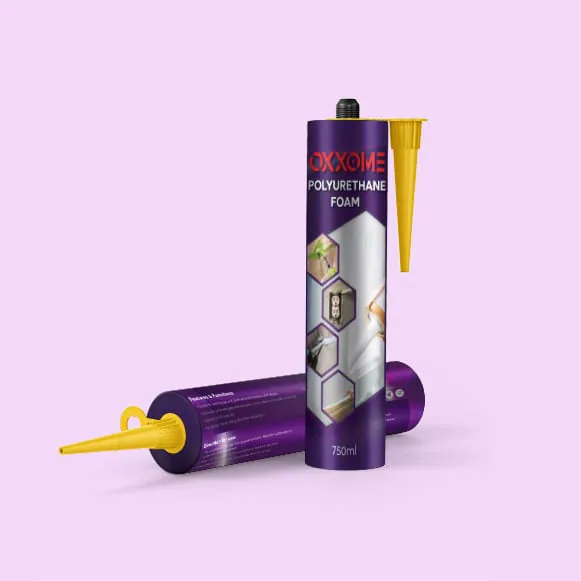
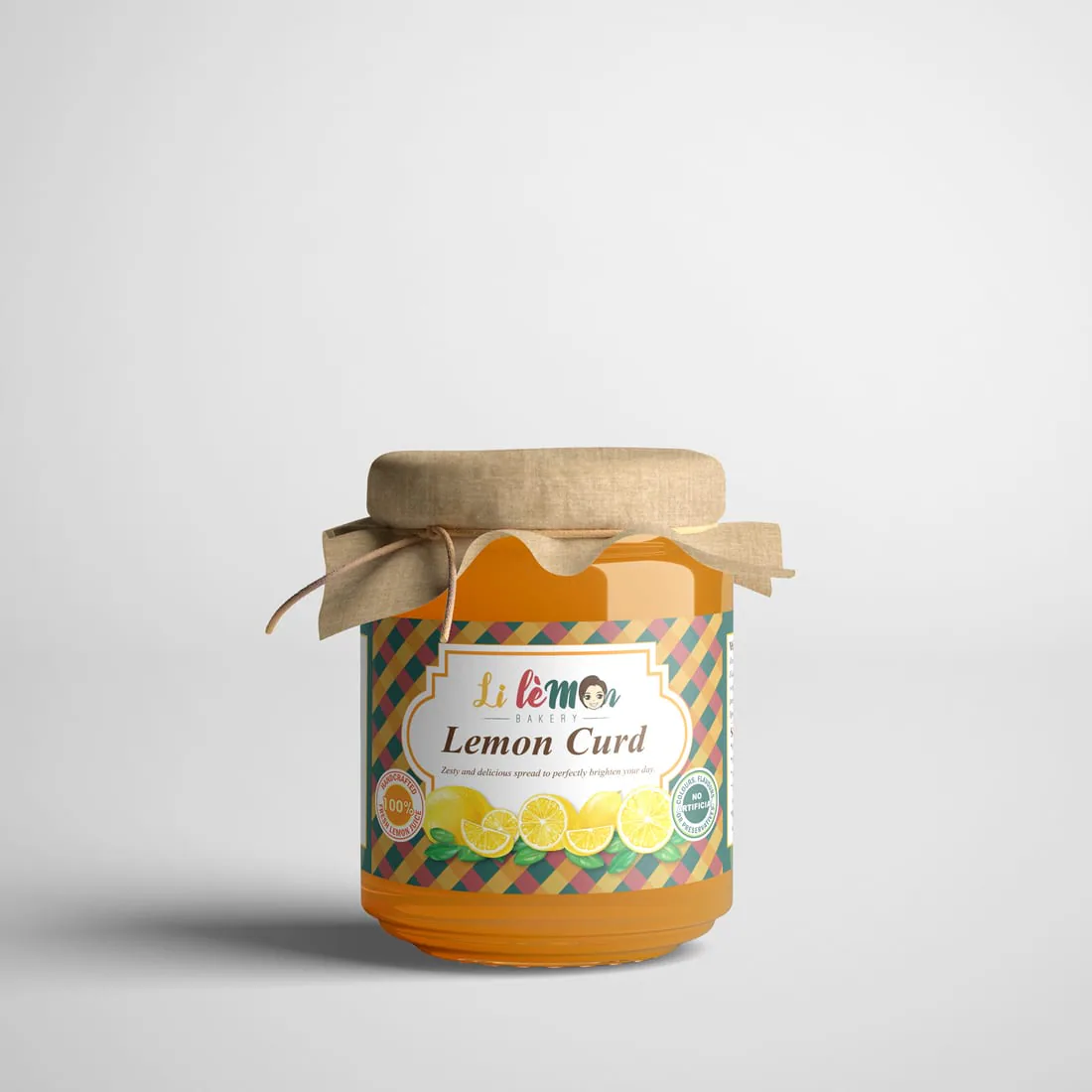
Information labels designed to be noticed and understood
Relevant examples selected to show the finished outcome, not only the production artwork.
Confirm data and test before the full run
Define the use
Send the label purpose, surface, size, quantity, exposure, code and artwork.
Check code layout
Review code size, contrast, quiet space, text hierarchy and variable-data structure.
Test the output
Verify QR links, barcode data, serial sequences and scan performance at final size.
Approve & produce
After data, artwork, material and finishing are approved, labels are printed and finished.
Questions to settle before printing
Reliable labels depend on correct data, suitable dimensions and realistic expectations for the application environment.
Can Jprint create a QR code or barcode for me?
We can help prepare artwork from customer-supplied links or data, depending on the project. The customer must verify that the final code contains the correct information and works with the intended device or system.
How small can a QR code or barcode label be?
There is no single safe minimum for every code. It depends on the code type, amount of data, print method, scanner, viewing distance, contrast and surface. Test the final-size proof before production.
Can every label have a different serial number or code?
Variable-data printing may be possible depending on quantity, data format, label size and production method. Provide a clean spreadsheet and sample output for review.
Can these labels be waterproof or suitable for equipment?
Synthetic materials and suitable finishing can improve moisture and handling resistance. Actual durability still depends on the adhesive, surface, heat, chemicals, friction, outdoor exposure and application quality.
Can you print safety or compliance warning labels?
Yes, we can print customer-approved warning artwork. The customer is responsible for confirming the required wording, symbols, colours, standards and legal or industry compliance.
Should codes be tested before the full print run?
Yes. Test with the real scanner or phone, final label dimensions, actual link or database and expected lighting or distance. A screen preview is not a substitute for final-size testing.
Choose the right label route for the application
Send the code, data and surface details
Include final size, quantity, label purpose, material exposure, static or variable data, artwork and deadline.