Brochure design in Penang
Jprint Studio turns approved business and product information into clear sales brochures, with practical layouts prepared for digital sharing and professional printing.
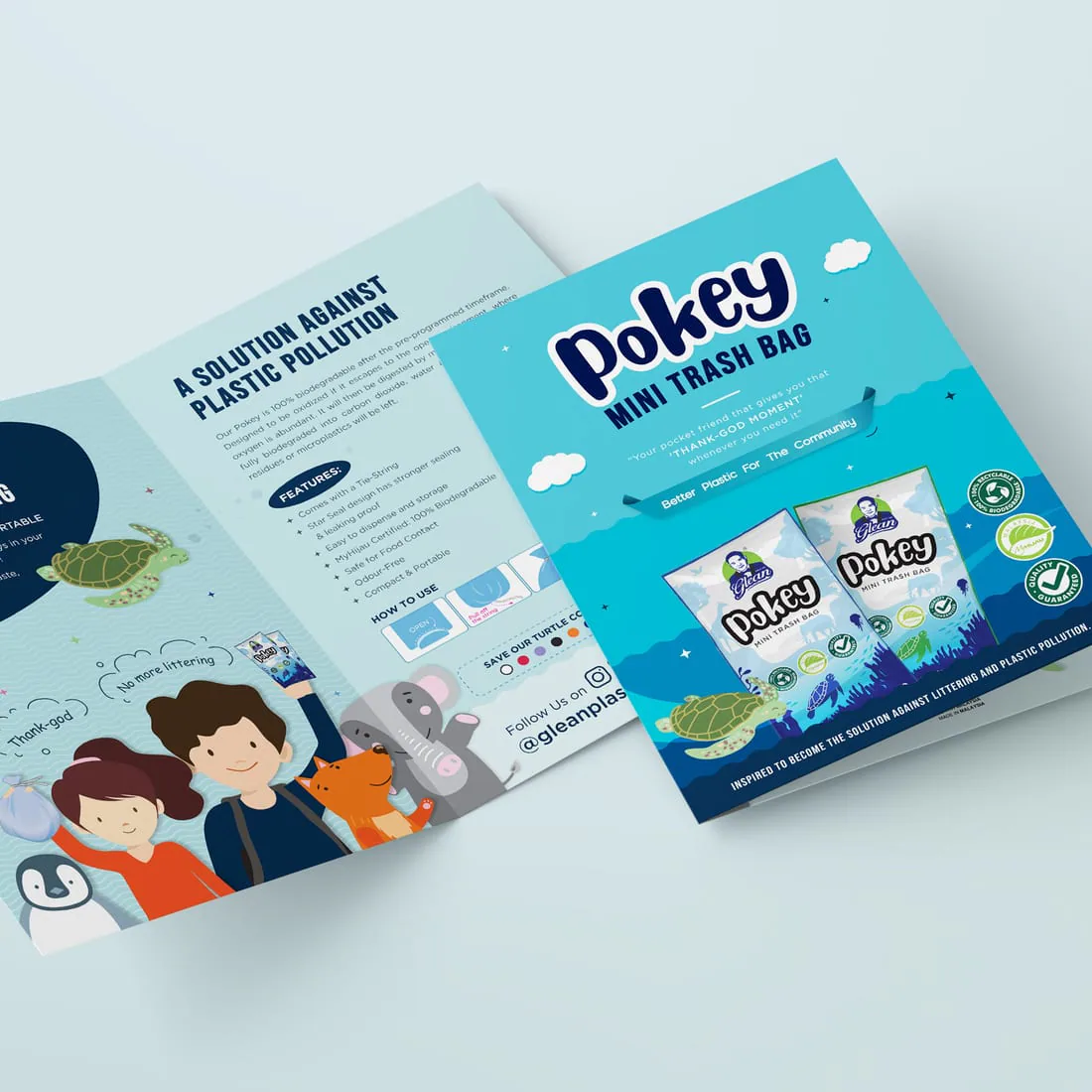
Start with what the brochure needs to achieve
A short folded handout, a product brochure and a detailed sales document need different content depth and page structure. We define the route around the audience, use and available information.
Corporate Sales Brochure
A concise introduction to the business, offer, key benefits and enquiry route.
- Meetings and introductions
- Sales follow-up
- Events and counters
Product Brochure
Organised product ranges, features, specifications and buying information.
- Product families
- Feature comparison
- Dealer or customer use
Service & Capability Brochure
A focused explanation of services, process, proof and practical next steps.
- Service categories
- Process overview
- Case evidence
Campaign & Launch Brochure
A time-specific brochure for launches, promotions, roadshows and campaigns.
- Key campaign message
- Offer details
- Clear response route
Turn supplied information into a readable brochure system
Brochure design starts by clarifying the goal, audience, format and content status. From there, we structure the message and build a consistent visual system across every panel or page.
Review what exists
Assess supplied text, product information, images, brand files and missing material.
Choose the route
Confirm folded or multi-page format, size, page count and intended distribution.
Build the hierarchy
Create the grid, typography, image treatment, tables and reusable page styles.
Prepare agreed outputs
Finalise the approved brochure for digital use, printing or both.
Scope note: customers normally provide approved business facts, product details, prices, claims, legal wording and usable images. Copywriting, translation, photography, illustration, complex infographics, image licensing and extensive content research require separate agreement. The customer remains responsible for factual accuracy and final approval.
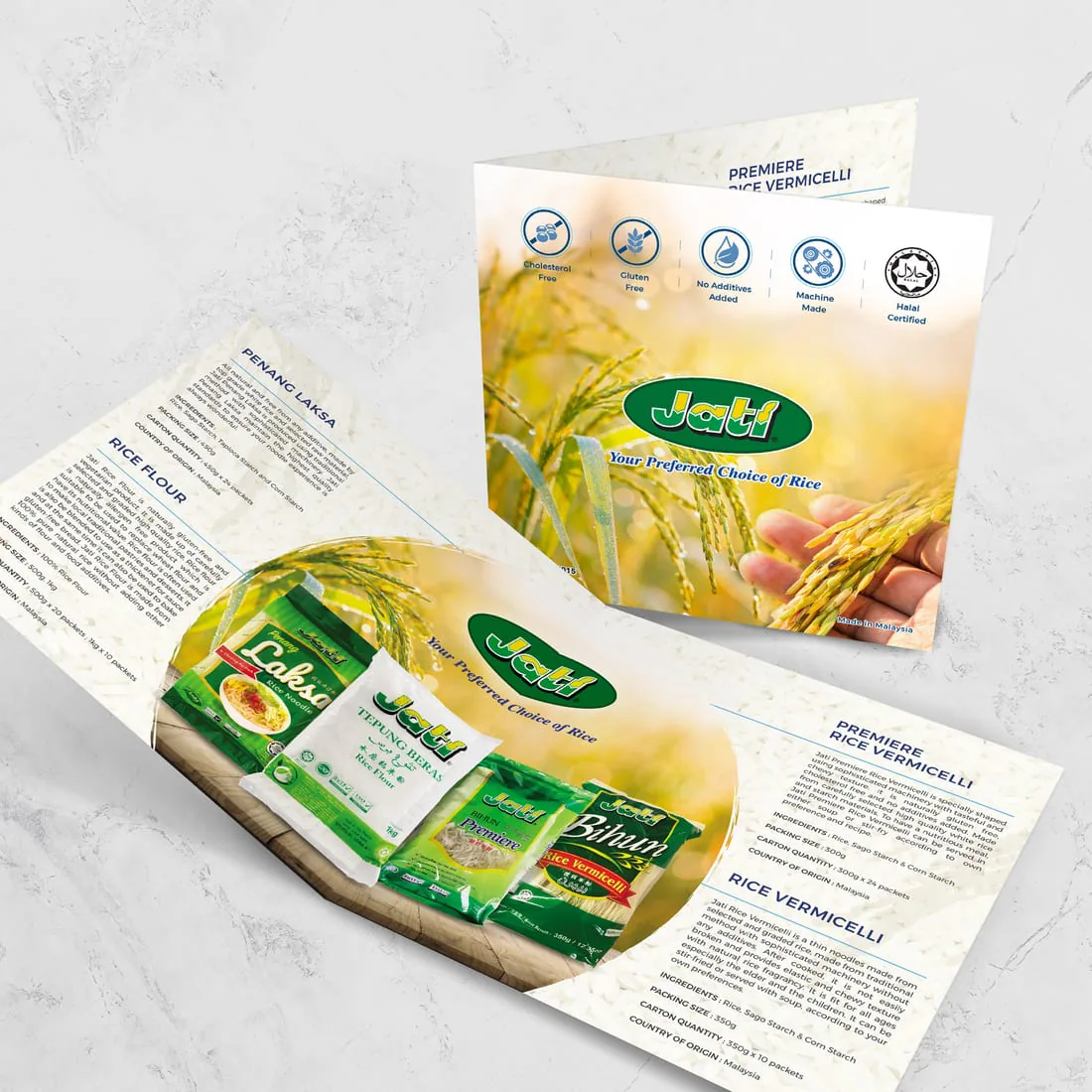
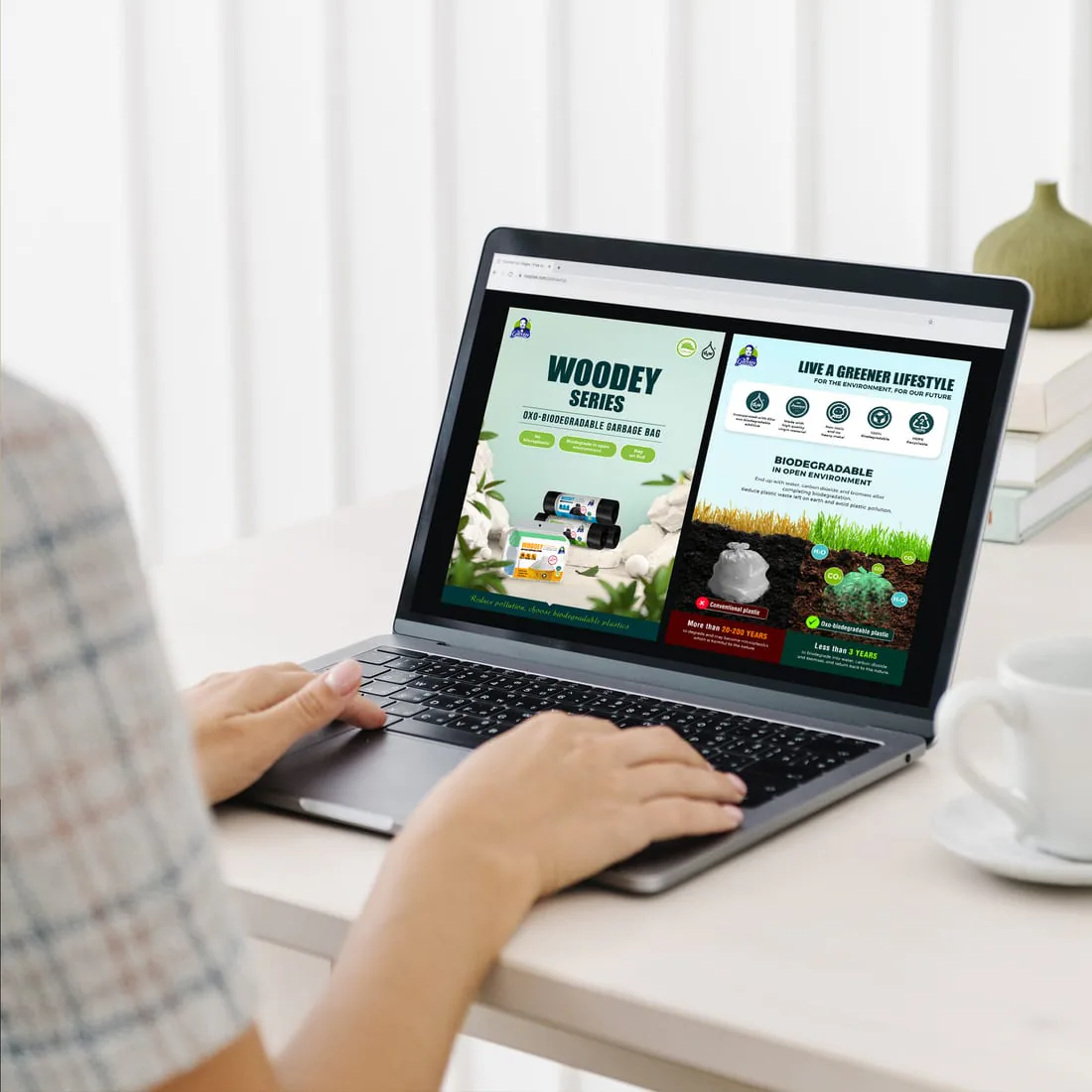
Real brochure systems across print and digital formats
These examples show how product information and visual hierarchy can be adapted to different brochure uses.
Guide the reader from interest to action
The exact sequence depends on the brochure, but useful sales material usually answers five questions without making the reader hunt for information.
Why should I continue?
Lead with the main benefit, problem or product promise.
Is this for me?
Clarify the audience, application and situation.
What do I get?
Explain products, services, features and practical details.
Why trust it?
Use results, credentials, comparisons, process or relevant evidence.
What happens next?
Close with contact details and one clear response route.
A staged process keeps brochure projects moving
Define the purpose
Confirm the audience, use, format, content status, deadline and outputs.
Map the content
Organise supplied information into a useful panel or page sequence.
Set the visual system
Develop hierarchy and apply it across the agreed brochure.
Consolidate feedback
Decision-makers return one clear set of comments per revision round.
Finalise the files
Approve all content before digital files or print artwork are released.
Agree the files and production route before design starts
Final outputs should match how the brochure will be distributed. Printing specifications, source files and future update support are defined in the quotation.
Screen-Optimised PDF
A practical file for email, WhatsApp, downloads and on-screen viewing, balanced for readability and file size.
Print-Ready PDF
Artwork prepared to the agreed finished size, fold or page sequence, bleed and production specification.
Brochure Printing
Paper, quantity, finishing and fold or binding route can be quoted after the design format and print requirements are confirmed.
Questions to settle before layout begins
Most brochure delays come from incomplete content, changing product information, scattered feedback or an unclear output format.
What should I prepare for a brochure design quotation?
Send the purpose, target audience, preferred size or format, estimated pages or panels, approved text, product data, logo, brand guide, images, required outputs and deadline. If printing is needed, include the quantity and any paper or finishing preference.
Can Jprint help organise the brochure content?
Yes. We can recommend a practical content and page sequence from the approved information you provide. Full copywriting, translation, research and complex data rewriting require separate scope.
Can the same brochure work for print and digital use?
Often yes, but the best file settings and sometimes the page experience differ. We define the digital and print deliverables before design starts so both uses are considered properly.
Can you design and print the brochure?
Yes. Design and printing can be coordinated as one project after the size, page count or fold, quantity, paper, finishing and final approved artwork are confirmed.
How long does brochure design take?
Timing depends on content readiness, page count, number of products, image quality, revision rounds and decision speed. Share the launch or delivery deadline at the start so the practical route can be assessed.
Connect brochure design, printing and wider sales material
Send the content, purpose and deadline
Include the intended reader, format, approved text, product information, images and whether printing is needed.